Your AI Website Comes With Photos — Here's How to Make Them Yours
Every SiteDrop website launches with matched stock photos. Photo Studio lets you swap any of them — free stock, AI-generated images, or your own uploads. One tap, instant preview, publish when ready.
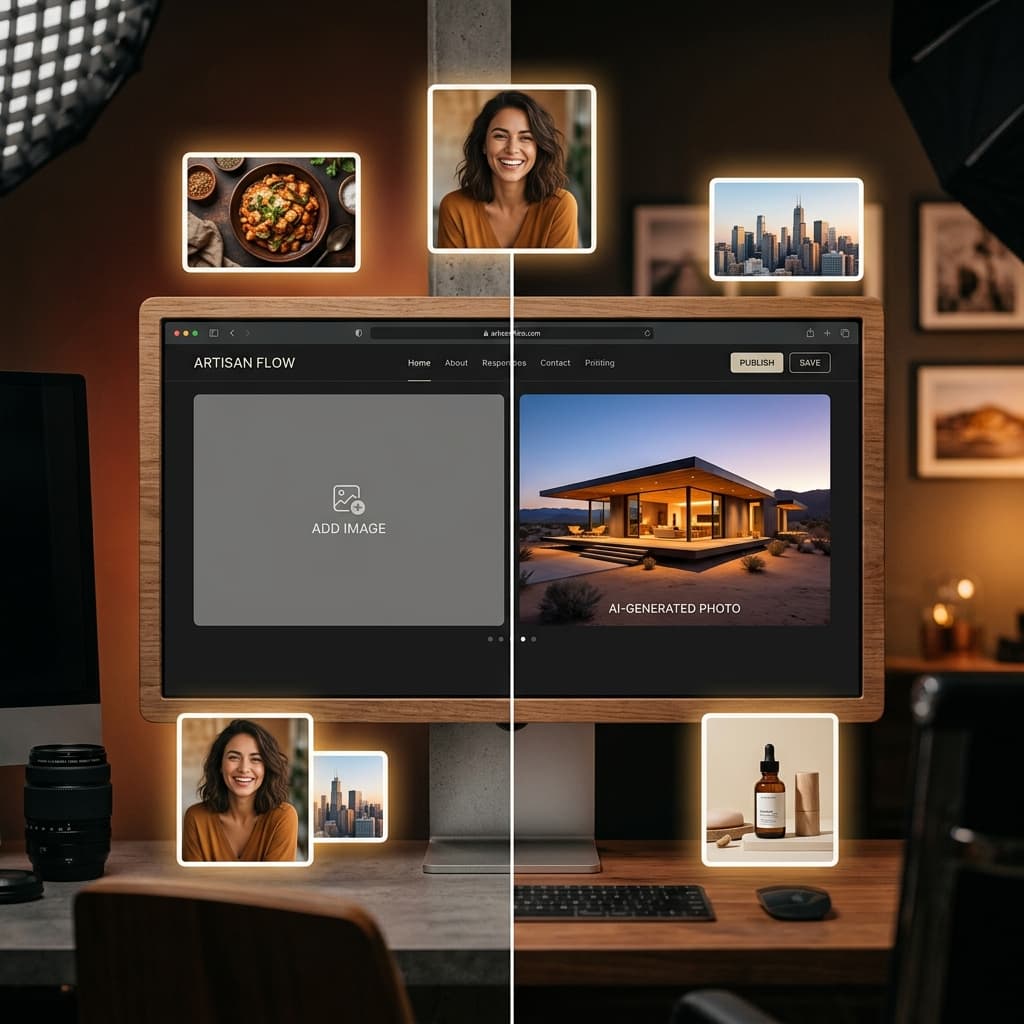
Your AI-generated website looks great. But the photos are still placeholders. Every AI website builder has this problem: the site is live, the copy is good, the layout is right — but the images are stock photos of smiling strangers or AI-generated scenes that don't quite feel like your business.
SiteDrop's Photo Studiolets you swap any photo on your website with one tap. Choose from free stock photos matched to your content, generate a custom AI image with FLUX, or upload your own. Every photo change previews instantly on your live site — publish when you're happy.
The Photo Problem With AI Websites
When an AI generates a website, it faces a fundamental tension: it can write great copy about yourbusiness, but it can't photograph your business. Every AI builder handles this differently, and none of them handle it well:
- Generic stock photos:The site ships with photos of "diverse team smiling in an office" or "woman typing on laptop." They look like every other website. Customers can tell instantly.
- AI-generated images: Better than stock, but still notyour food, your shop, your team. And AI image artifacts (weird hands, melted text, uncanny faces) can make a professional site look amateur.
- Empty placeholders:"Upload your image here" — the builder punts the entire problem to you, and now you need to find, resize, and upload 6 to 10 images manually. Most people never finish.
SiteDrop takes a different approach: your site launches with real stock photos matched to each slot, and you swap them out one at a time, at your own pace, with zero friction.
How Photo Studio Works
Photo Studio is built into every Forge-generated site. When you open your site in the Studio, every photo on the page becomes tappable:
1. Tap Any Photo
Every image on your site — hero, gallery, team member, product shot, dish photo, before/after — shows a "Change photo" badge. Tap it, and the Photo Studio picker opens for that slot.
2. Choose Your Source
You have three options for every photo:
- Free stock (Pexels):A curated search pre-filled with the photo's context. A hero slot for a bakery searches "bakery interior." A dish slot for margherita pizza searches "margherita pizza." Scroll through results, tap to preview. Completely free, unlimited, no credits needed.
- AI-generated (FLUX):Generate a custom image from a prompt, art-directed to match your site's style — lighting, mood, palette. Uses credits (you get free credits on paid plans). The generated image is unique to your site — it doesn't exist anywhere else.
- Upload your own: Drop in a photo from your phone or camera roll. Your actual restaurant, your actual team, your actual product. The photo is hosted and optimised automatically.
3. Preview Instantly
When you pick a photo, it appears on your site preview immediately. You can see exactly how it looks in context — with the copy, the layout, and the surrounding sections — before you commit to publishing it.
4. Publish When Ready
Staged picks accumulate until you tap "Publish." All your photo changes go live in one deployment. Changed your mind about one of them? Swap it again before publishing. The publish bar shows you exactly how many new photos are staged.
Smart Stock Matching — Not Random Photos
SiteDrop doesn't just search "food" for every dish photo. Every slot on your site has a context-aware search queryderived from its content:
- A hero slot for a bakerysearches "artisan bakery interior warm lighting"
- A dish slot for chicken tikka masalaon an Indian restaurant site searches "chicken tikka masala, indian food"
- A gallery slot for a barbershopsearches "barber cutting hair"
- A team slot searches "professional team portrait"
- A before/after slot for a cleaning servicesearches "clean vs dirty comparison"
This means the first photo you see in the picker is usually already better than a generic placeholder. And because it's Pexels stock, it's free — no credits, no subscription, no watermarks.
AI Images That Match Your Site's Design
Sometimes stock isn't enough. You want an image that doesn't exist anywhere — a specific scene, a specific mood, a specific composition that perfectly complements your site's design. That's where FLUX AI image generation comes in.
SiteDrop's AI images are art-directed to match your site. The generation system knows your site's:
- Design family — warm editorial, industrial trust, dark luxe, etc.
- Colour palette — the accent and surface colours the image should complement
- Lighting direction — candlelight for cosy restaurants, bright daylight for health services, dramatic studio for luxury
- Subject context — what the slot is for (hero, dish, team, gallery)
The result is a custom image that looks like it was commissioned for your site — because it was. Read more about how AI images match your website.
Credits: Fair, Transparent Pricing for AI Images
Stock photos and uploads are always free. AI-generated images use credits:
- Paid plans include free credits
- Each AI image generation costs one credit
- Credits are simple — no hidden fees, no surprise charges
- You always see the credit cost before generating, and you can always switch to free stock or your own upload instead
The credit system exists because AI image generation has a real cost per image (FLUX processing). Stock photos are free because Pexels is free. We pass the actual economics through directly — nothing more.
Your Photos Survive Menu and Content Updates
One of the most frustrating things about photo management on other platforms: you spend an hour swapping in your own photos, then update your menu or edit some text, and all your photos reset to defaults.
SiteDrop's Photo Studio stores every swap as a persistent patch linked to the slot — not the page position. When you update your menu, the system preserves your swapped photos by dish name. When you edit text or rearrange sections in the visual editor, your photos stay exactly where they are. A swapped photo only resets if the slot it was on gets removed entirely.
Start With Stock. Upgrade to Your Own.
The Photo Studio is designed around a simple philosophy: a good stock photo today is better than a perfect upload that never happens. Your site launches with matched stock photos that look professional from day one. Over time, you swap in your own real photos — a shot of your actual storefront, your actual team, your actual products. The site gets more "you" every time you open the Studio.
No pressure. No empty placeholders staring at you. No "Your site won't look right until you upload 8 images" guilt trips. Just tap, pick, preview, publish.
Your website comes with photos. Make them yours, one tap at a time.
Make your website photos yours — free
Every SiteDrop website comes with matched stock photos. Swap any of them with free stock, AI-generated images, or your own uploads. One tap. Instant preview. Publish when you're ready.
Create Your Site Free →Comments
No comments yet. Be the first to share your thoughts!