Every AI Website Builder Lets You Create — Only SiteDrop Lets You Edit
AI can build you a website in 60 seconds. But changing a phone number afterwards means regenerating the entire site or editing raw HTML. Here's why editing is the real problem — and how SiteDrop's visual editor solves it.
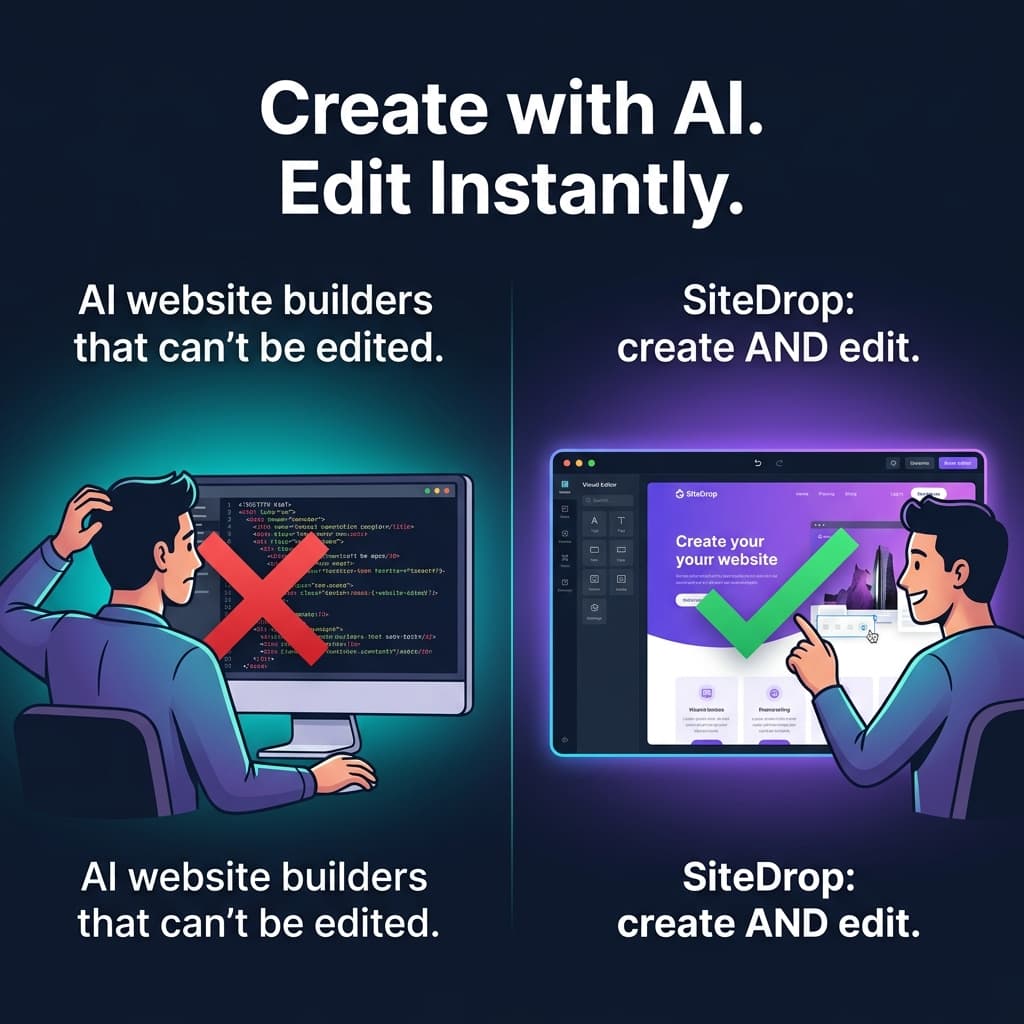
Every AI website builder on the market makes the same promise: describe what you want, and we'll build it for you. And they deliver. In 2026, generating a beautiful, responsive website from a text prompt takes less than a minute. The technology is genuinely impressive.
But here is the part none of them talk about: what happens after you click "Generate"?
You need to change a phone number. Swap a hero image. Fix a typo in your tagline. Add a new service. And suddenly the magic disappears. You are either regenerating the entire site (and losing changes you already made), or you are staring at raw HTML trying to find the right line of code.
Creating a website with AI is a solved problem. Editing one is not. Until now.
The Broken Promise of AI Website Builders
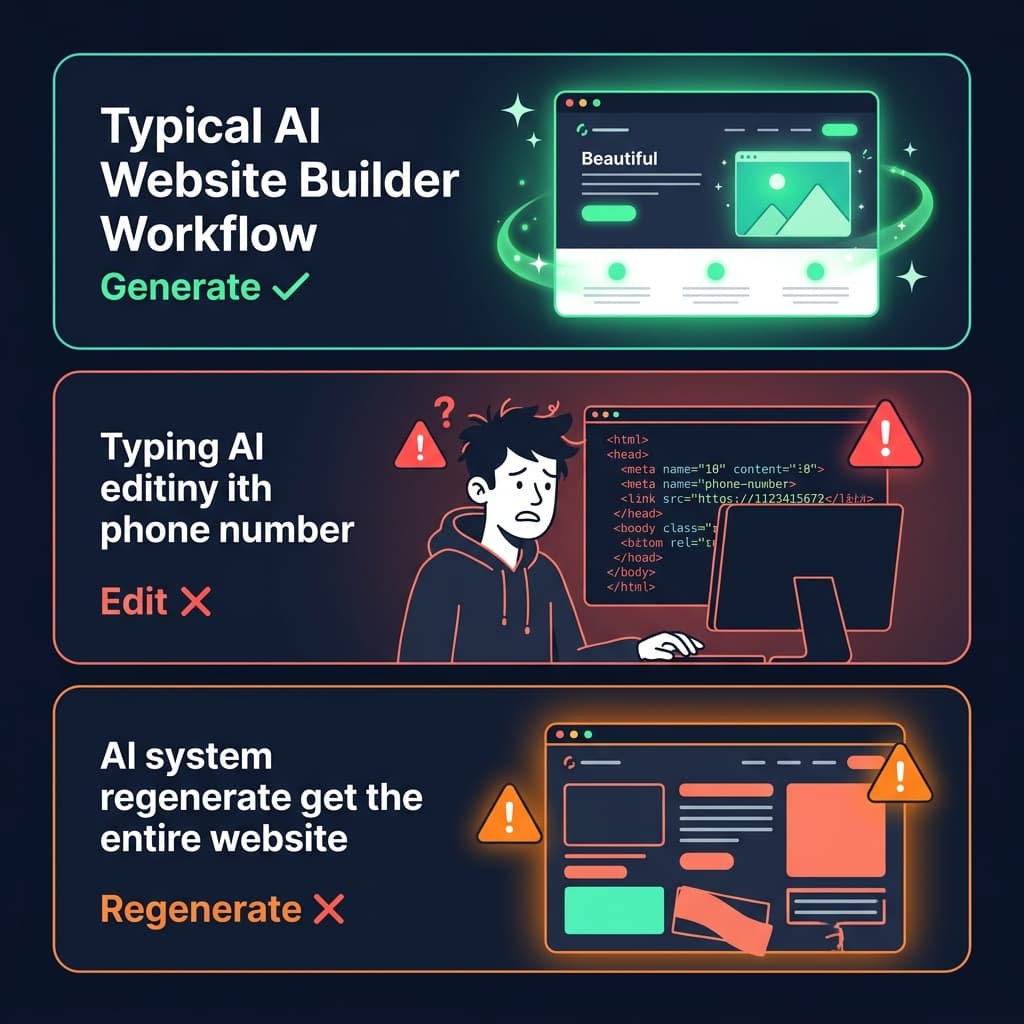
Most AI website platforms — Wix AI, Framer AI, Hostinger, 10Web, even ChatGPT itself — follow the same pattern:
- You describe your website (business name, services, colour preference)
- AI generates a complete site in seconds
- You try to make a small change and hit a wall
That wall takes different forms depending on the platform:
The "Locked Editor" Problem
Some platforms generate a site inside their proprietary editor. Want to move a section? You can — within their rigid grid system. Want to add a custom layout or bring in your own code? Not possible. Want to export your site and host it somewhere else? Forget it. You are locked into their ecosystem, paying their monthly fee, forever.
The "Regenerate Everything" Problem
Other platforms (especially prompt-based tools like ChatGPT and Claude) give you the raw code. Need to change one word? You paste 500 lines of HTML back into the AI and ask it to make the edit. But the AI does not just change one word — it rewrites sections, shuffles layouts, changes colours you liked, and removes elements you deliberately added. You get a different site every time.
The "Good Luck With the Code" Problem
And then there are the platforms that just hand you the files. Great for developers. Useless for the small business owner who used AI specifically to avoid touching code. Opening index.html in a text editor to find the right <span> tag is not what they signed up for.
"AI can design my website in 60 seconds. Why does it take me 20 minutes to change my phone number?"
Why Editing Is Harder Than Creating
This is not a minor inconvenience — it is the core reason most AI-generated websites go stale within weeks. Here is why editing is fundamentally harder than generating:
- Generating is stateless. The AI starts from scratch every time. It does not need to know what you changed last week or which sections you prefer. It just creates.
- Editing requires context. To change one phone number, you need to know where it is, what surrounds it, and what will break if you touch the wrong thing. AI does not naturally have this context.
- Small edits have outsized risk. Delete one closing
</div>tag and the entire page layout collapses. Change a CSS colour and it accidentally affects three other elements. Non-developers should not need to manage this risk. - Regeneration is destructive.Asking the AI to "just update the phone number" often means it regenerates the whole page — and your careful tweaks from last time vanish.
The result? People create a beautiful AI website, realise they cannot easily update it, and either abandon it entirely or let it go out of date. An outdated website is worse than no website — it tells customers you do not care.
How SiteDrop Solves Both: Create and Edit
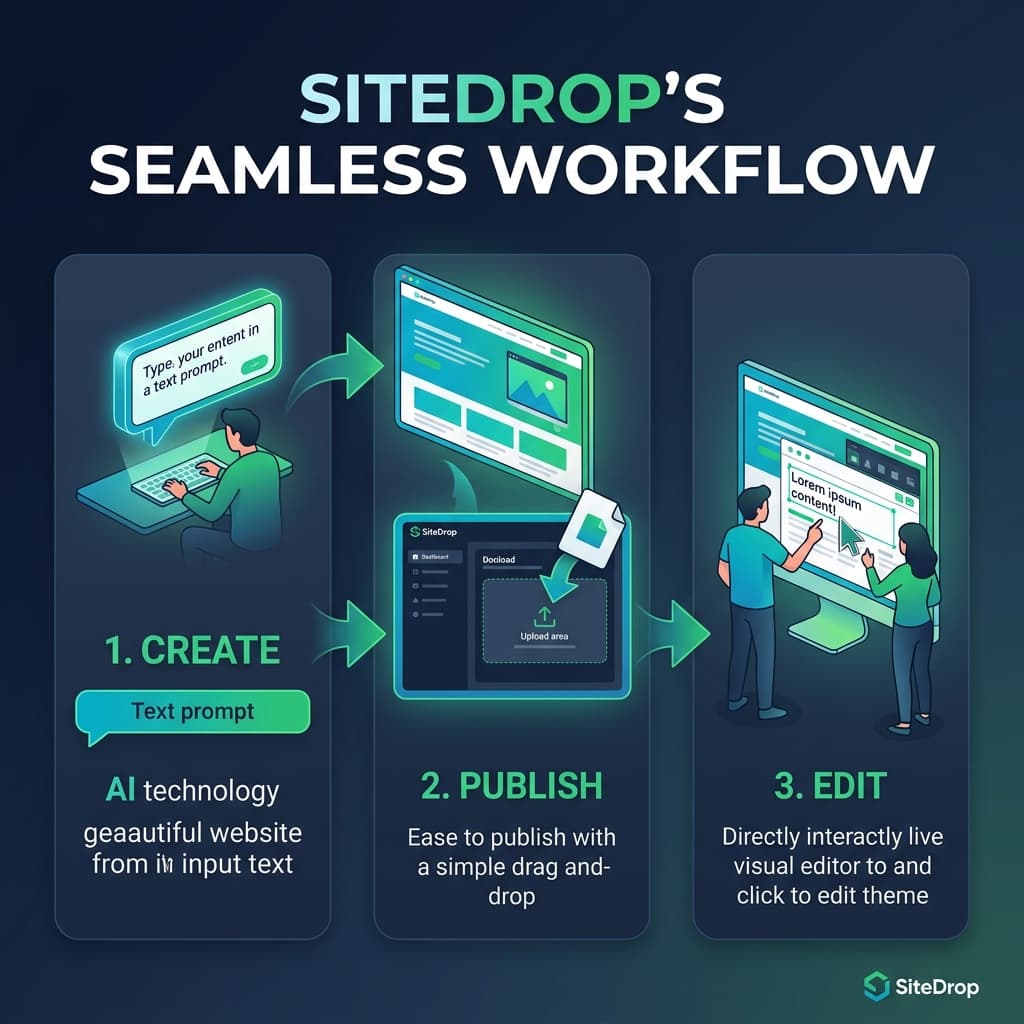
SiteDrop was built around a simple insight: AI is brilliant at creating. Humans need a simple way to edit. Instead of choosing one or the other, SiteDrop gives you both.
Step 1 — Create Your Website with Any AI
Use whichever AI tool you prefer — ChatGPT, Claude, Gemini, or SiteDrop's own Prompt Creator. Generate a complete website from a description of your business. Download the HTML file.
Or, if you do not want to write prompts at all, use SiteDrop's answer-a-few-questions flow — just tell us about your business and a finished website generates automatically.
Step 2 — Publish in Seconds
Drag your file onto the SiteDrop dashboard. Your site goes live instantly on a global CDN with HTTPS, a real URL, and a built-in contact form and inbox. No FTP, no DNS records, no hosting configuration.
Step 3 — Edit Directly on the Live Page
Here is where SiteDrop is fundamentally different. Once your site is live, you do not need to go back to the AI to make changes. You do not need to touch code. You do not need to re-upload anything.
SiteDrop's built-in visual editor lets you edit the live site directly:

- Click on any text and change it. Phone number wrong? Click it, type the new one, hit save. The live site updates immediately. No code, no regeneration.
- Swap images visually. Click a placeholder image, upload your own photo, and it drops into the exact same space. No broken layouts, no aspect ratio issues.
- Adjust colours and styles. Change button colours, background shades, and font sizes through simple controls — not by hunting through CSS.
- Preview before publishing. See exactly what your change looks like before it goes live. No surprises, no guesswork.
The Difference, Side by Side
| Scenario | Other AI Builders | SiteDrop |
|---|---|---|
| Change a phone number | Regenerate entire site or edit raw HTML | Click the number, type the new one, save |
| Swap a hero image | Find the <img> tag, update the src, re-upload | Click the image, upload your photo, done |
| Fix a typo | Search through hundreds of lines of code | Click the text, fix it, save — 5 seconds |
| Update opening hours | Paste code into ChatGPT, re-download, re-upload | Click the hours text, edit in place |
| Add a new testimonial | Copy-paste HTML structure, hope the styling matches | Edit the text directly on the page |
| Change button colour | Find the CSS class, update the hex code, test | Click the button, pick a colour, save |
Why This Matters for Your Business
A website is not a one-time project. Businesses change constantly — prices update, menus rotate, seasonal promotions come and go, staff change, new services launch. If every small change requires going back to an AI, finding the original file, regenerating, and re-uploading, most people will simply stop updating their site.
And that is exactly what happens. Studies show the average small business website goes more than 6 months without an update. Not because the owner does not care — because the process is too painful.
SiteDrop eliminates that pain. The AI does the heavy lifting of design and code. The visual editor gives you ongoing control without ever touching that code. Your website stays current because updating it is as easy as editing a document.
Who This Is For
- Small business owners who generated a site with AI but dread updating it — you can now make changes in seconds, not minutes.
- Freelancers and agencies who build sites for clients — hand over a site the client can actually maintain themselves.
- Anyone who tried AI website builders and loved the creation but hated the editing — SiteDrop is the first platform that makes both effortless.
- Non-technical peoplewho want a professional website without learning HTML, CSS, or the quirks of any specific builder's editor.
The Complete Workflow
| Step | What You Do | Time |
|---|---|---|
| 1. Create | Generate your website with any AI tool or SiteDrop's built-in flow | 5 min |
| 2. Publish | Drag and drop onto SiteDrop — instant live site with SSL and inbox | 30 sec |
| 3. Edit | Click on any element to change text, images, or styles visually | Seconds |
| 4. Maintain | Make ongoing updates directly — no AI, no code, no re-uploading | Seconds per change |
The Bottom Line
Every AI website builder in 2026 can create a stunning website. Almost none of them make it easy to edit that website afterwards. You are either locked into a proprietary editor, forced to regenerate the whole page for one small change, or left to wrestle with raw code.
SiteDrop is different. Create your website with any AI tool you want — ChatGPT, Claude, Gemini, or our own SiteForge engine. Publish it in seconds. Then edit it visually, directly on the live page, without ever touching code again.
Create with AI. Edit with SiteDrop. Own your website.
Stop regenerating. Start editing.
Generate your website with any AI tool, publish it on SiteDrop, and make ongoing changes visually — click, edit, save. No code, no re-uploading, no hassle.
Try SiteDrop Free →Comments
No comments yet. Be the first to share your thoughts!