How to Make a Wedding Website in Minutes (No Apps, No Templates)
One elegant page with your names, date, venue and RSVP — generated from a few answers and live on a link you can put straight in the invites.
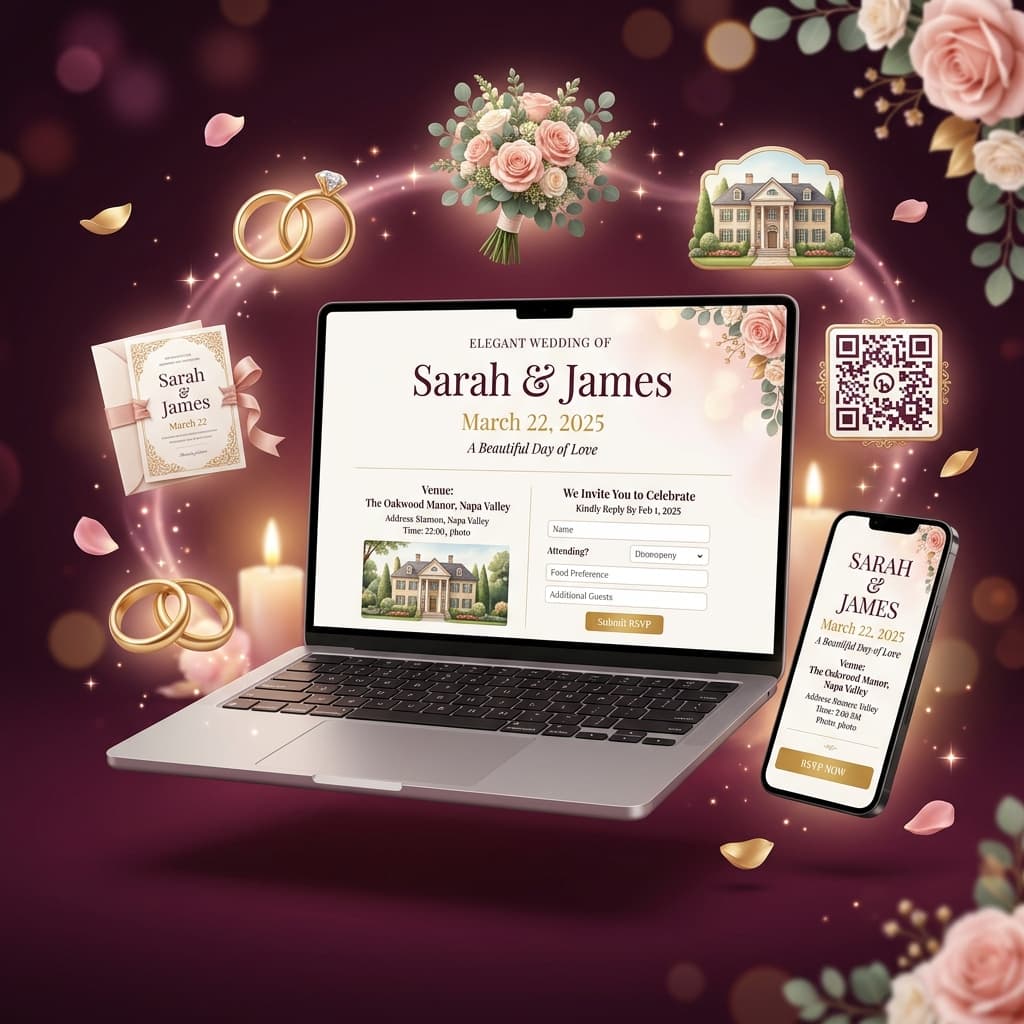
Somewhere between booking the venue and choosing the napkins, every couple hits the same small task with outsized stress: "we should probably have a wedding website." And then the rabbit hole opens — wedding platforms wanting accounts, twelve-page templates demanding a love-story essay, builders asking you to design pages at midnight.
Step back and look at what guests actually need, and the task shrinks wonderfully. With SiteDrop, you answer a few questions about your day and get one elegant page — names, date, venue, schedule, RSVP — live on a link you can put straight in the invitations.
What Guests Actually Need (It Is Not Twelve Pages)
Every guest opens a wedding website with three questions:
- When is it? Date and times, including the bits that differ — ceremony, reception, carriages.
- Where is it? The venue, and how to get there.
- How do I RSVP? A form they can fill in from their phone in ten seconds.
A schedule, a dress code line, maybe a note about gifts — and that is genuinely everything. The "our story" essay and the twelve-page template exist for the platforms, not for your guests.
The Old Options
- Wedding-platform templates— free until they are not, guests asked to create accounts, the platform's branding and ads sprinkled over your day.
- DIY website builders — full control, but you are designing pages and picking fonts in the busiest months of your life.
- The group chat — where the venue address goes to get asked about fourteen more times.
The SiteDrop Way: Answers In, Wedding Page Out
- Sign up free and say the site is for an event.
- Answer the short questions — your names, the date, the venue, the schedule, the look you want.
- Watch the page build itself — one elegant, mobile-friendly page with your details and an RSVP form.
- Share the link — print it (or a QR code) on the invitations, drop it in the family group chat, done.
No apps for anyone to install, no templates to wrangle, no accounts for guests to create. One page, one link.
RSVPs That Land Somewhere Sensible
The RSVP form on your page feeds a built-in inbox in your SiteDrop dashboard. Every "yes, and Tom is vegetarian" arrives as a tidy message — no email forwarding to set up, nothing lost in spam, and one place to count heads when the caterer calls.
A Quiet Word on Privacy
Your wedding details deserve better than a platform's public gallery. With your own page, it is your link — you decide who gets it. Guests are never asked to join anything, log into anything, or hand their email to a wedding-industry mailing list just to say they are coming.
Not Just Weddings
The same answer-a-few-questions flow covers the rest of life's gatherings — see creating an invitation website by answering questions, or our earlier guides to birthday invitations and baby shower invitations.
One link for your big day
Answer a few questions and get an elegant wedding page with RSVP — live in minutes, ready for the invites.
Get Started Free →Comments
No comments yet. Be the first to share your thoughts!