How to Make a Digital Birthday Invitation Website (And Publish It Free)
Paper invitations are expensive and get lost. Here's how to create a stunning, interactive digital birthday invitation website using AI in minutes.
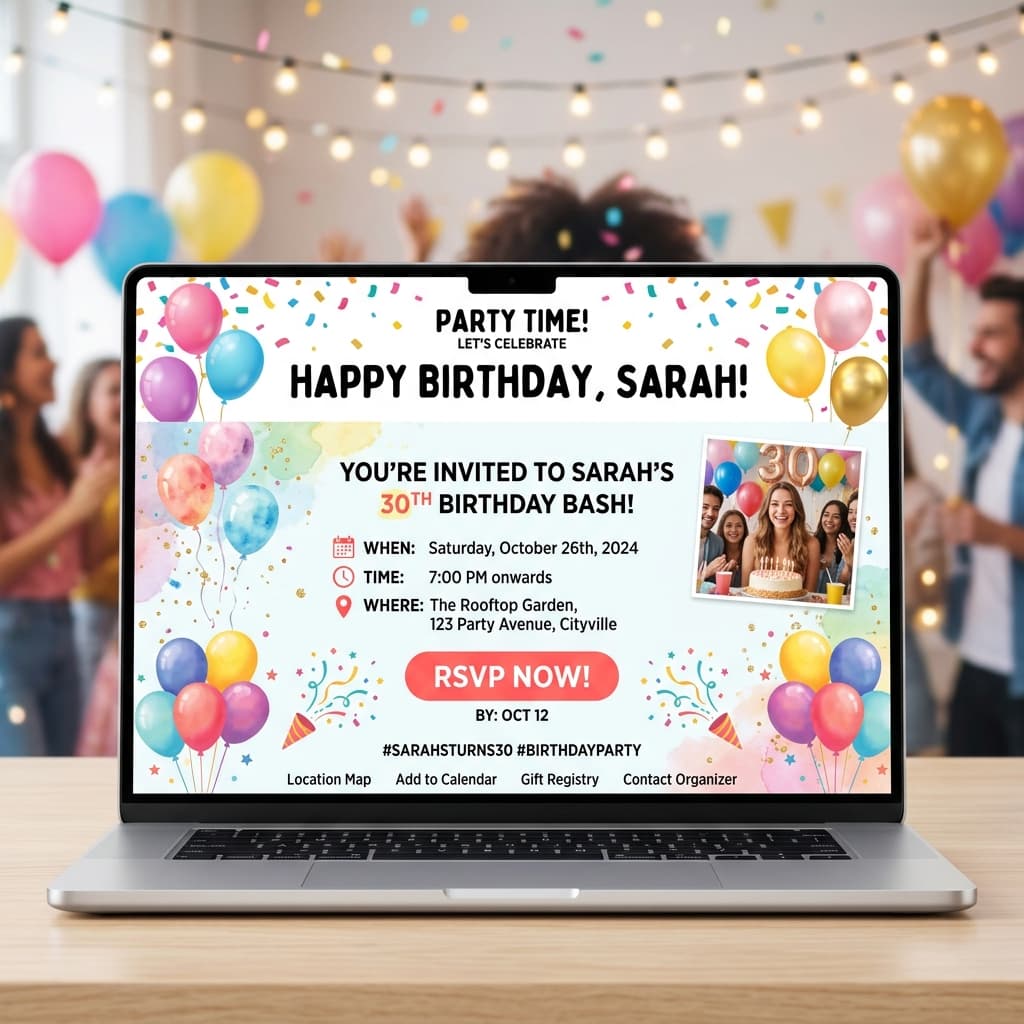
Why a Website Invitation?
Sending a link to a beautiful, personalized website is the modern way to invite people to your party. It looks incredible on mobile phones, you can include maps to the venue, and best of all: it's incredibly easy to make.
You don't need any technical skills to do this. We're going to use AI to design the invitation, and SiteDrop to put it on the internet.
Step 1: Get AI to Write the Code
Go to ChatGPT, Claude, or any AI assistant you prefer. Tell it exactly what kind of party you're hosting. Here's a prompt template you can use:
"Write the HTML and CSS for a single-page digital birthday invitation. The theme is 'Neon 80s Disco'. It's for Sarah's 30th Birthday. Date: June 15th at 8:00 PM. Location: The Retro Lounge. Include a bold, fun headline, the event details, and an 'RSVP via WhatsApp' button. Make it mobile-responsive and visually striking with bright colors. Put all the code in one index.html file."
The AI will generate the complete code for your invitation.
Step 2: Save the File
Just like saving a Word document, you need to save this code:
- Open a basic text editor (Notepad on Windows, TextEdit on Mac - make sure it's set to plain text).
- Paste the code the AI gave you.
- Save the file and name it exactly
index.html.
Now, right-click that index.html file and "Compress" or "Zip" it. You now have a ZIP file containing your invitation.
Step 3: Publish It to the Web
To share this with your friends, you need a live web link. This used to be the hard part, requiring hosting accounts and technical setups. Now, it takes one drag and drop.
- Go to SiteDrop.live.
- Drag your ZIP file into the drop zone.
- Sign in quickly with your Google or Microsoft account.
Your invitation is live! SiteDrop instantly generates a live link (e.g., sarah-party.sitedrop.live).
Step 4: Send It Out!
Copy the link SiteDrop gave you and drop it into your group chats, WhatsApp, or iMessage. When your friends click it, they'll see your beautiful, custom-designed invitation website perfectly formatted for their phones.
Bonus: Need to Change the Time?
If the venue changes the booking time, don't panic. Just ask the AI to update the time in your code, save the new index.html, zip it, and drag it back into SiteDrop. Your website will update instantly, and the link stays exactly the same.
Create your invitation today
Ready to wow your guests? Generate your invite with AI and get your live link on SiteDrop.
Publish Your Invite →Comments
No comments yet. Be the first to share your thoughts!