How to Create a Digital Baby Shower Invitation Website
Create an elegant, personalized digital invitation website for your baby shower or naming ceremony that your friends and family will love.
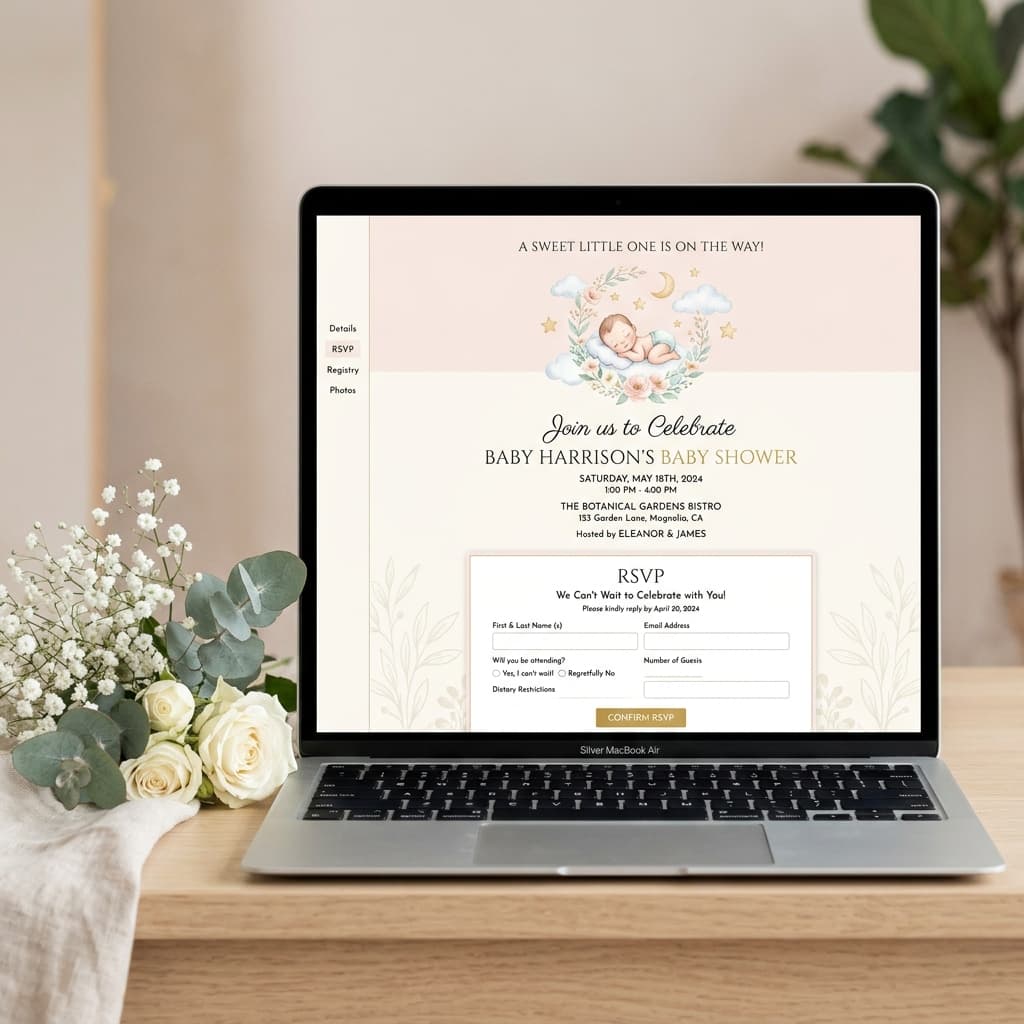
The Modern Way to Invite Guests
For special occasions like a baby shower, you want an invitation that feels personal, elegant, and special. While you could use a generic e-vite platform with ads, having your own dedicated invitation website adds a touch of class.
Best of all? You can create a bespoke website specifically for your event in about 5 minutes, even if you have zero technical experience.
Phase 1: Design with AI
We're going to use ChatGPT (or any similar AI) to act as our web designer. Tell the AI what you want the invitation to say and how it should look.
"I am hosting a baby shower for my sister, Emma. Write the HTML and CSS for a single-page digital invitation website. The design should be elegant, soft, and use pastel colors (soft greens and creams). Include the title 'Welcome Baby Oliver', date: August 12th at 2:00 PM, Location: The Botanical Gardens. Include an RSVP section with a button that links to my email address. Make it responsive so it looks beautiful on mobile phones. Combine all CSS into the HTML file."
The AI will instantly generate the code for a beautiful, custom invitation.
Phase 2: Save Your Website File
To make this code a real website, you just need to save it correctly:
- Open Notepad (Windows) or TextEdit (Mac, set to plain text mode).
- Paste the code generated by the AI.
- Save the file as exactly:
index.html.
Once saved, right-click the file and select "Compress" or "Zip" to create a ZIP file.
Phase 3: Get Your Shareable Link
Now you have your website on your computer, but you need a link to send to Grandma and your friends. We'll use SiteDrop to put it on the internet instantly.
- Go to SiteDrop.live.
- Drag your new ZIP file onto the page.
- Sign in with your Google or Microsoft account.
Your website is instantly live! SiteDrop provides you with a live, secure link immediately. No servers to configure, no confusing hosting dashboards.
Phase 4: Share with Loved Ones
Copy your new link and paste it into text messages, WhatsApp groups, or emails. Because the AI made it mobile-responsive, it will look stunning when your guests open it on their phones.
Need to add gift registry details later?
It's easy. Just ask ChatGPT to update the code to include a link to your registry. Save the new index.html file, zip it, and drag it into SiteDrop again. The website updates instantly without the link changing.
Make your special day memorable
Create an elegant invitation website with AI and publish it instantly on SiteDrop.
Launch Your Invitation →Comments
No comments yet. Be the first to share your thoughts!