How to Upload a ZIP Website and Publish It Online
Got a website as a ZIP file? Here's how to take it from your downloads folder to a live URL in under a minute — no server setup, no FTP, no terminal.
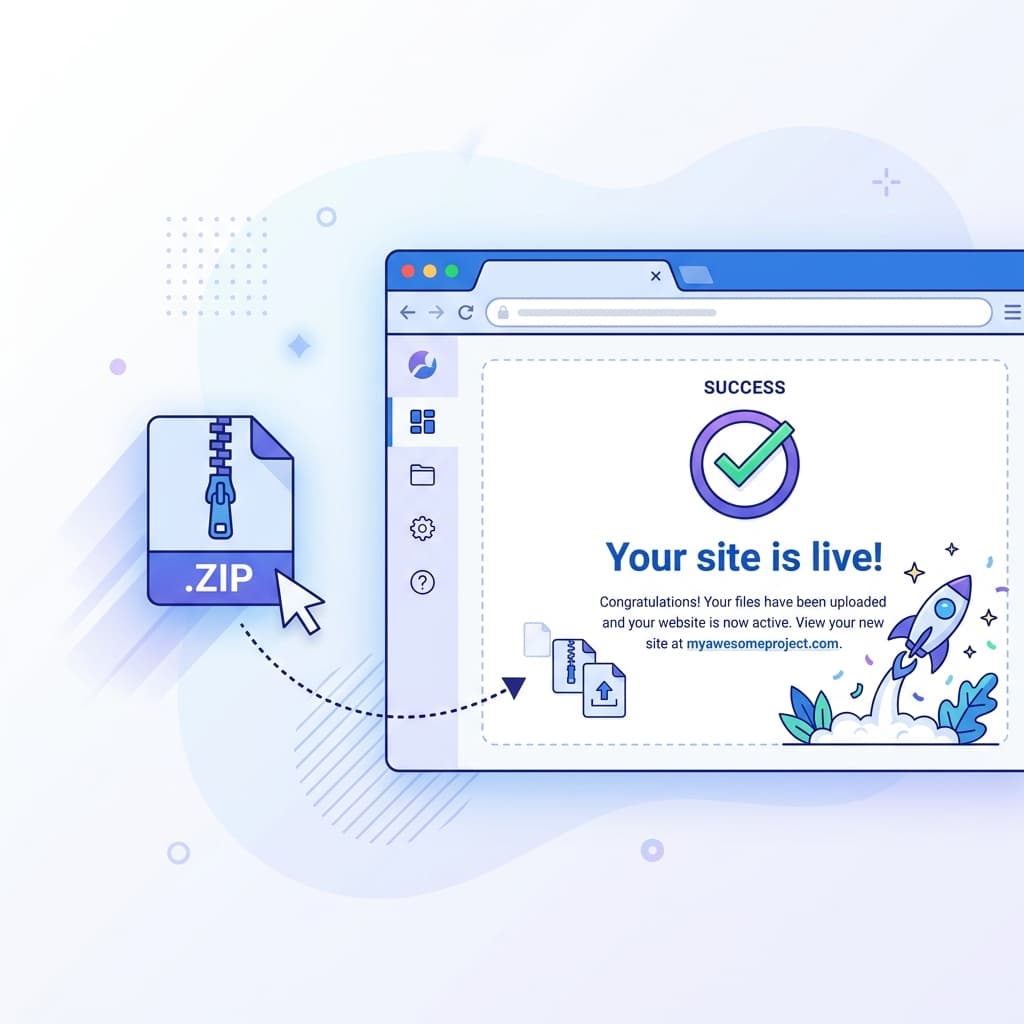
You've got a website saved as a ZIP file on your computer. Maybe you exported it from a code editor, downloaded it from a freelancer, or built it yourself. The problem? It's just sitting in your downloads folder.
Traditional hosting requires setting up an account with a provider, configuring FTP, or pushing code through a terminal. For a simple website that's already built, that's overkill.
Here's how to take that ZIP file and make it a live website in under 60 seconds.
What Counts as a "ZIP Website"?
A ZIP website is simply a compressed folder containing your website files. At minimum, it should include an index.html file. It might also contain:
- CSS files for styling
- JavaScript files for interactivity
- Images, fonts, and other assets
- Subfolders for additional pages
As long as there's an index.htmlat the root level, it'll work.
Step 1: Go to SiteDrop
Head to sitedrop.live. You'll see a drop zone right on the homepage. No account creation needed to get started.
Step 2: Drop Your ZIP File
Drag your .zip file directly onto the drop zone. SiteDrop will automatically:
- Extract the contents of your ZIP
- Find your
index.html - Deploy everything to a global CDN
- Configure a free SSL certificate
- Give you a live URL
The entire process takes about 30 seconds. No build steps, no configuration files, no command line.
Step 3: Share Your URL
Once deployed, you'll get a URL like yoursite.sitedrop.site. This is a fully functional website — secured with HTTPS, served from a fast CDN, and accessible from anywhere in the world.
What If You Need a Custom Domain?
Your free SiteDrop URL works perfectly for sharing, but if you want something more professional, you can register a custom domain directly from the SiteDrop dashboard. DNS and SSL are handled automatically.
Updating Your Site
Need to make changes? Simply drop a new ZIP file. Your URL stays the same — only the content updates. No versioning headaches, no deployment pipelines.
Why Not Just Use FTP or cPanel?
Compare the workflows:
- FTP/cPanel: Create hosting account → configure nameservers → wait for DNS propagation → download FTP client → upload files → debug SSL → 30+ minutes
- SiteDrop: Drop ZIP → live in 30 seconds
For static websites that are already built, there's no reason to go through the traditional hosting gauntlet.
Got a ZIP file ready?
Drop it on SiteDrop and get a live URL in 30 seconds. Free to start, no credit card needed.
Publish your site →Comments
No comments yet. Be the first to share your thoughts!