How to Buy a Domain and Make Your Website Live
A complete walkthrough of finding, buying, and connecting a custom domain to your website — all without touching DNS records or nameservers.
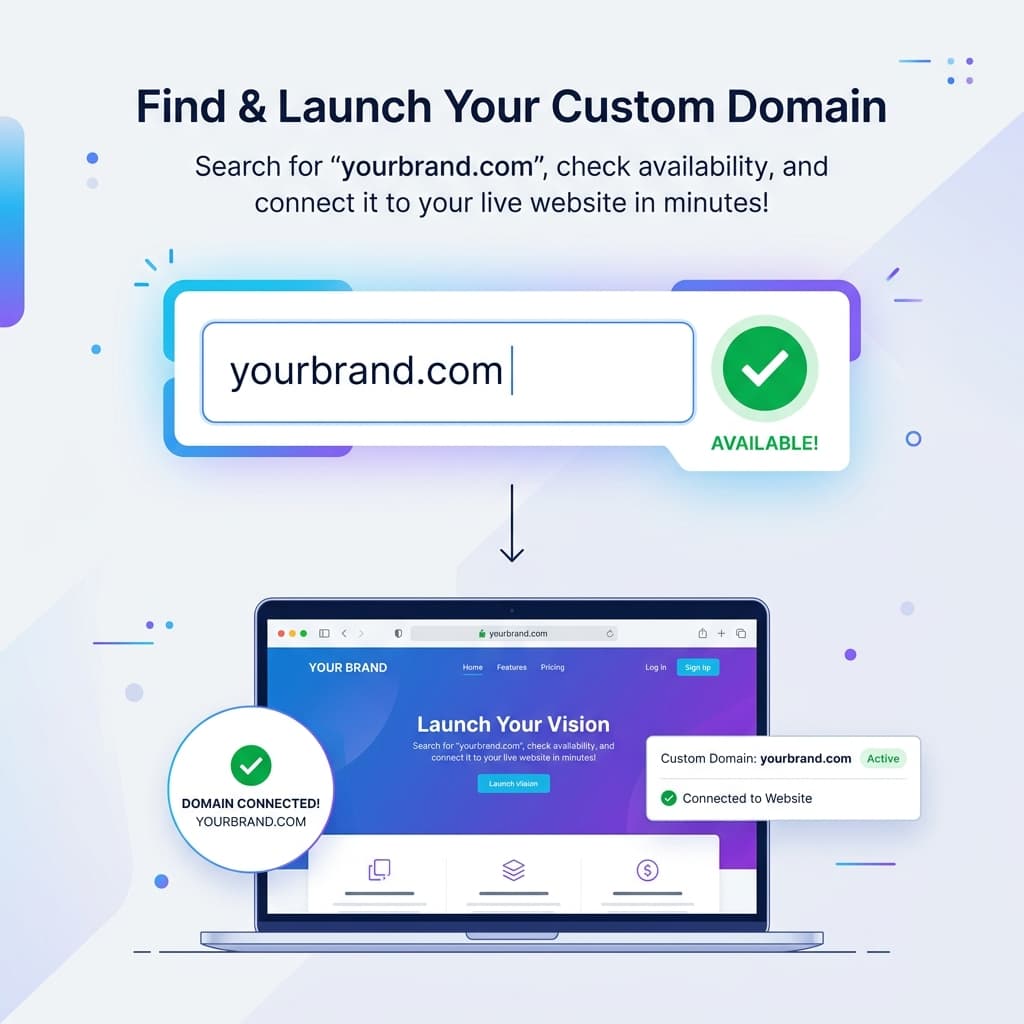
A custom domain is the difference betweenyoursite.someplatform.site and yourname.com. It makes your website look professional, builds trust, and makes your URL memorable.
But for most people, buying a domain and connecting it to a website is a confusing process involving registrars, nameservers, DNS records, and propagation times. It doesn't have to be.
This guide walks through the entire process using SiteDrop, where domain registration and connection happens in one place — no DNS configuration needed.
Step 1: Publish Your Website First
Before worrying about a domain, get your website live. Go to sitedrop.live and drop your website file (HTML or ZIP) onto the drop zone.
Within 30 seconds, you'll have a working site at a free URL like yoursite.sitedrop.site. This lets you verify everything looks right before committing to a domain name.
Step 2: Search for Your Domain
From your SiteDrop dashboard, navigate to the domain section. Type the domain name you want — for example, mybusiness.com — and SiteDrop will show you:
- Whether your exact domain is available
- The price per year
- Alternative extensions if your first choice is taken (.co.uk, .io, .site, etc.)
Step 3: Purchase Your Domain
Once you've found the perfect domain, purchase it directly through SiteDrop. No separate registrar account needed — everything is handled in one place.
Domain pricing is transparent:
- .com — typically £10–15/year
- .co.uk — around £7–10/year
- .io — around £30–40/year
- .site — from £3–5/year
Step 4: It's Automatically Connected
Here's where SiteDrop differs from every other platform: you don't need to configure anything.
When you buy a domain through SiteDrop, it's automatically connected to your website. There are no DNS records to create, no nameservers to update, no CNAME or A records to understand.
Your domain is live with:
- ✅ Automatic SSL (HTTPS)
- ✅ Global CDN for fast loading
- ✅ Both
wwwand non-www versions working - ✅ Zero configuration required
What If You Already Own a Domain?
If you've already purchased a domain from another registrar (like Namecheap, GoDaddy, or Google Domains), you can still connect it to your SiteDrop website. You'll just need to update your DNS records at your registrar to point to SiteDrop — the dashboard will show you exactly what to set.
Common Questions
Can I change my domain later?
Yes. You can disconnect a domain and connect a different one at any time from your dashboard.
Do I need hosting separately?
No. SiteDrop handles both hosting and domain management. Your website files, hosting, SSL, and domain are all managed from one dashboard.
What happens when my domain expires?
You'll receive renewal reminders. If a domain expires, your website continues to work on the free SiteDrop URL — only the custom domain becomes unavailable.
Ready to claim your domain?
Publish your site on SiteDrop, then find and buy your perfect domain — all in one place. No DNS headaches.
Get started free →Comments
No comments yet. Be the first to share your thoughts!