How to Turn Your CV into a Website (Without Building Anything)
You already wrote the hard part. Here's how to turn your CV into a personal website with its own URL in minutes — no builder, no templates, no code.
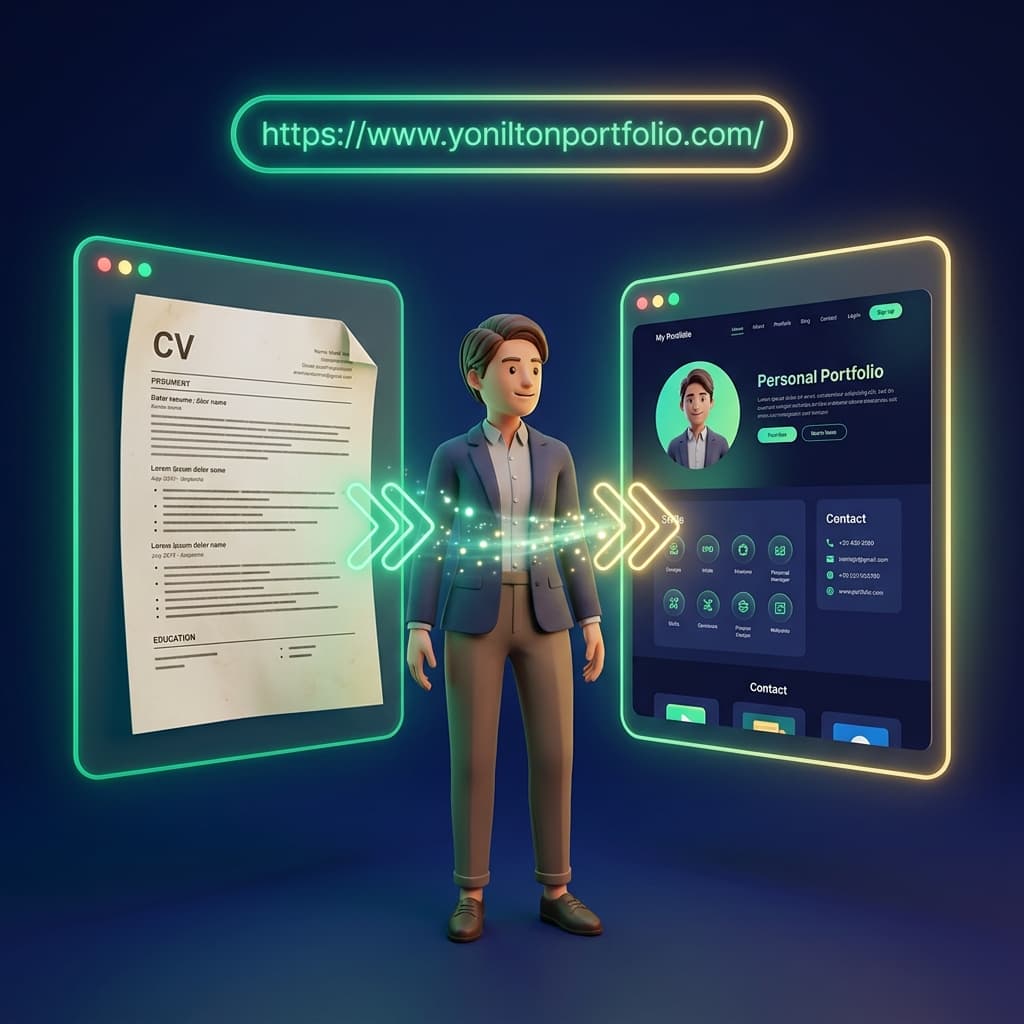
Here is a quiet truth about job hunting: the hardest part of having a personal website is already done. It is your CV. The years of work, the skills, the achievements, the one-line summary you rewrote eleven times — that content is the website. What is missing is a URL.
With SiteDrop, you can close that gap in minutes: answer a few short questions about yourself and a finished personal site generates itself — live on its own address, ready to put at the top of your CV, your LinkedIn bio, and your email signature.
Why a CV Website at All?
- Recruiters Google you anyway. The first page of results is your real first impression — better that it leads somewhere you control.
- A URL outlives an attachment. A PDF gets buried in an inbox; a link in your LinkedIn bio or email signature keeps working for every person who meets you.
- It signals effort without saying a word. Two candidates, same experience — one has a clean personal site. Who looks more switched on?
The Old Ways to Get One (And Their Friction)
- Portfolio builders — made for designers with image galleries, awkward for a text-first CV; plus a template to fight and a subscription to remember.
- WordPress — hosting, themes, plugins, updates. A part-time hobby disguised as a personal page.
- Paying a developer — real money for a one-page site you will want to tweak next month anyway.
All three ask you to become a website-maker first and a candidate second. That is backwards.
The SiteDrop Way: From CV to Live Site in Minutes
- Sign up free and open the create flow— tell it you don't have a site yet.
- Say it's for a CV / personal site.
- Answer the short questions — your name, what you do, your key skills. It is the same information your CV already holds, so the answers take seconds.
- Watch your site build itself — your answers become a clean, professional personal page in front of you.
- You're live — a real URL you can share immediately.
No builder, no templates, no code — and nothing to install. If you can answer questions about yourself, you are qualified.
What to Put on It: Mirror Your CV
Do not reinvent your story for the web — your CV's structure is already right. The strongest personal sites mirror it:
- The one-line summary — who you are and what you do, top of the page.
- Experience — your last few roles with the achievement bullets that matter.
- Skills — the same keywords recruiters scan for on paper.
- Contact — an email link or form, so the visit can become a conversation.
Who Is This For?
- Active job seekers who want a link that makes applications stand out. (Weighing the formats? See CV website vs PDF CV — spoiler: you want both.)
- Anyone applying to multiple roles — a site is easy to tailor per application, unlike a Word layout held together with tab stops.
- Designers and creatives with visual work to show — our portfolio hosting guide covers the gallery-first version of this.
- Non-technical professionals— if the word "hosting" puts you off, read how to publish a website without a developer; with the create flow you skip even that step.
Your CV deserves a URL
Answer a few questions about yourself and get a live personal website in minutes — no building required.
Get Started Free →Comments
No comments yet. Be the first to share your thoughts!