How to Publish a Claude Artifact as a Real, Live Website
Claude Artifacts let you generate a beautiful website in seconds — but it's trapped inside Claude. Here's how to turn it into a real, hosted website with its own domain in under five minutes.
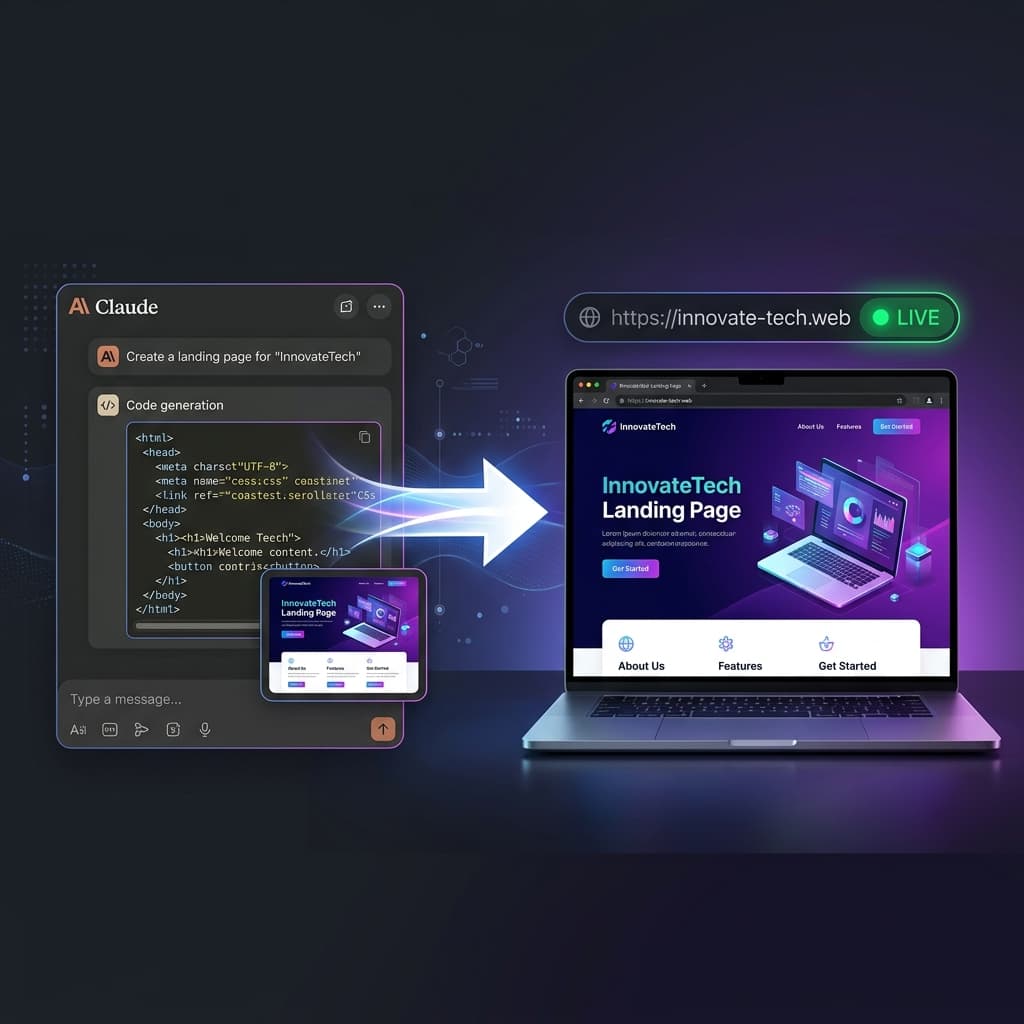
Claude's Artifacts feature is one of the fastest ways to generate a complete website. You describe what you need, Claude writes the HTML and CSS, and you can preview it right there in the chat window. It looks great.
Then you hit a wall: how do you actually put it on the internet?
The artifact lives inside Claude. You can preview it, copy the code, even share a link to the conversation — but it is not a real website. It does not have a URL you can put on a business card. It does not show up in Google. It disappears if you lose the conversation. And you certainly cannot connect it to a custom domain.
This guide shows you how to go from a Claude Artifact to a live, hosted website — with its own address, SSL certificate, and working contact form — in under five minutes.
What Is a Claude Artifact?
When you ask Claude to create something visual — a website, a chart, an interactive app — it generates the code and renders a live preview in a panel next to the conversation. Anthropic calls these Artifacts. They are self-contained HTML/CSS/JS files that run in the browser.
For website generation, Artifacts are genuinely impressive. The code is clean, the designs are modern, and the responsive behaviour usually works out of the box. The problem is not the quality — it is the delivery. An Artifact is a preview, not a publication.
Step 1: Get the Code Out of Claude
First, you need to get the HTML file from the Artifact onto your computer. There are two ways:
Option A: Copy the Code
- Click the Artifact panel in Claude to expand it.
- Click the code icon(or "View Source") to see the raw HTML.
- Click Copy to copy the entire code block.
- Open a plain text editor (Notepad on Windows, TextEdit on Mac — make sure it is in plain text mode).
- Paste the code and save the file as
index.htmlon your desktop.
Option B: Download the Artifact
Some Claude plans let you download the Artifact directly as an HTML file. If you see a download button on the Artifact panel, use it — it is faster. Just make sure the downloaded file is named index.html (rename it if needed).
Step 2: Drop It on SiteDrop
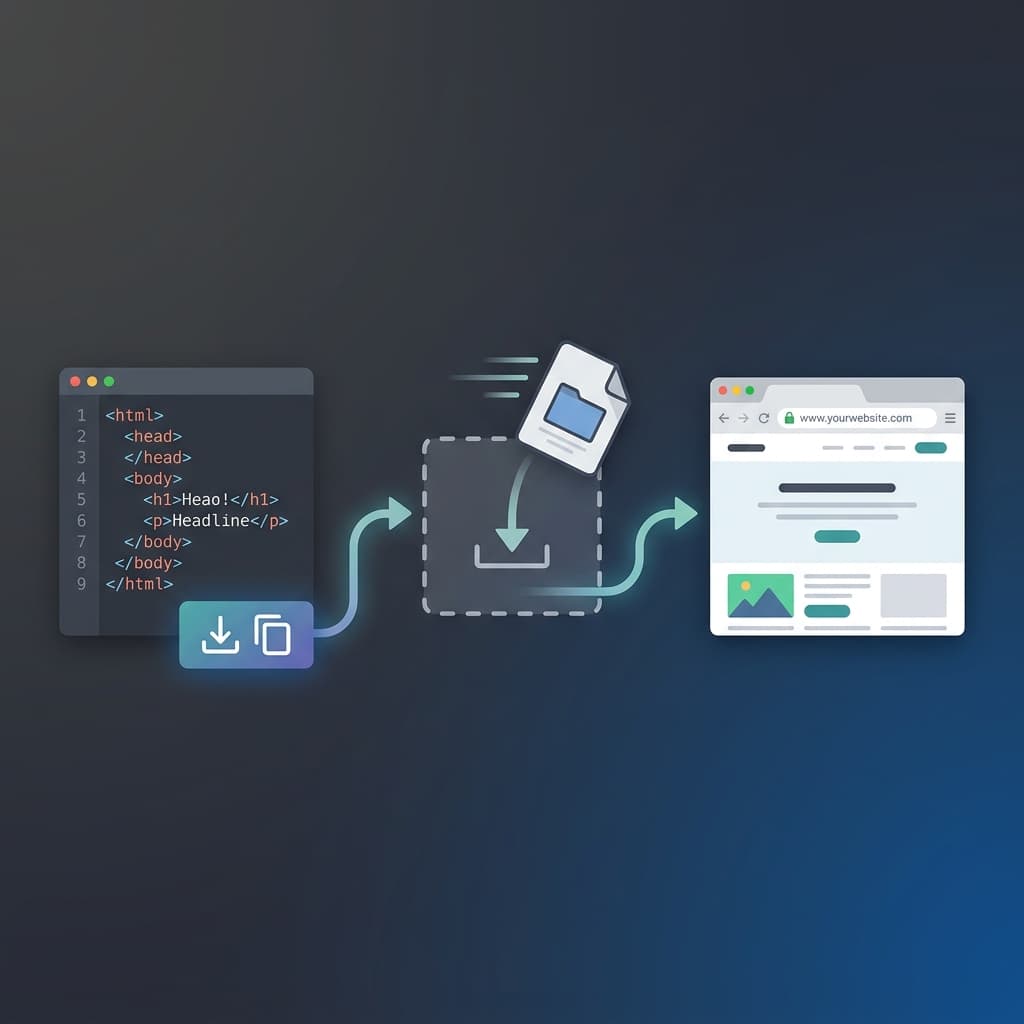
Now you have an index.html file on your computer. To get it on the internet:
- Go to SiteDrop and sign in (it is free to start).
- Drag your
index.htmlfile onto the SiteDrop dashboard. That is it. One drag. - In under five seconds, SiteDrop deploys your site to a global CDN, secures it with a free SSL certificate (HTTPS), and gives you a live link.
Your Claude Artifact is now a real website, accessible to anyone in the world.
Step 3: Get Your Own Domain
The free SiteDrop link works perfectly for sharing, but if you want a professional address (like www.yourbusiness.com), you can claim one directly from the SiteDrop dashboard:
- Open your site's settings in the dashboard.
- Search for your preferred domain name.
- Claim it — SiteDrop handles all DNS configuration automatically. No registrar dashboards, no nameserver records, no 48-hour waits.
Step 4: Get a Working Contact Form (Free)
If your Claude Artifact includes a contact form (and most business websites should), SiteDrop automatically wires it up. Messages submitted through the form land in your built-in SiteDrop inbox — no email hosting, no third-party form tools, no monthly subscriptions.
This is one of the biggest advantages over other hosting options: your contact form actually works from the moment you upload the site.
Tips for Better Claude Artifacts
The quality of your website depends on the quality of your prompt. Here are some tips for getting better Artifacts from Claude:
Be Specific About Your Business
"Create a one-page website for a mobile dog grooming business called Paws & Shine in Manchester. Include a hero section with a tagline, a services section with 4 services and prices, customer testimonials, and a contact form. Use a warm teal and cream colour scheme with modern, rounded design elements."
The more specific you are, the more polished the output. Include your real business name, real services, real prices, and your preferred colours.
Ask for Everything in One File
Add "put all CSS inline in the HTML file" or "make it a single self-contained index.html" to your prompt. This makes the upload to SiteDrop seamless — one file, one drag, done.
Request Mobile Responsiveness
Add "make it fully responsive for mobile, tablet and desktop" to your prompt. Claude generally does this well, but being explicit ensures it does not skip any breakpoints.
Use the SiteDrop Prompt Creator
Not sure how to write a good prompt? The SiteDrop Prompt Creator asks you a few questions about your business and generates the perfect prompt to paste into Claude. It handles all the technical details for you.
Why Not Just Share the Claude Conversation Link?
Claude lets you share a conversation link, and the recipient can see the Artifact. So why bother with SiteDrop? Because a shared conversation link:
- Is not a real URL — you cannot put a Claude conversation link on a business card or Google listing.
- Does not have a domain — your website lives at
claude.ai/share/..., not at your business name. - Is not crawlable — search engines and AI answer engines cannot find or cite it.
- Has no contact form — visitors cannot reach you.
- Could disappear — if Anthropic changes their sharing policy or you lose the conversation, the link breaks.
- Shows Claude's branding — not your business branding.
A SiteDrop-hosted site is yours. Your domain, your branding, your contact form, your analytics. It is a real website, not a preview inside someone else's product.
What Else Can You Do After Publishing?
- Edit content visually — use SiteDrop's visual editor to change text, images, and content directly on the page.
- Add your own images — replace any placeholder images with your real business photos.
- Update anytime — regenerate the Artifact in Claude with changes, re-upload to SiteDrop, and your live site updates instantly.
- Track visitors — see how many people visit your site from the SiteDrop dashboard.
The Whole Process, Step by Step
- Open Claude and describe your website (or use the Prompt Creator).
- Claude generates an Artifact — preview it to make sure you like it.
- Copy the code or download the HTML file.
- Drag the file onto SiteDrop.
- Your website is live. Optionally claim a custom domain.
Total time: under five minutes. Total cost: free to start.
Turn your Claude Artifact into a real website
Copy the code, drop it on SiteDrop, and your site is live — with a real URL, SSL, and a working contact form. No servers, no DNS, no code.
Publish Your Artifact →Comments
No comments yet. Be the first to share your thoughts!