How to Create a Takeaway Website and Make It Live Instantly
Want to start taking online orders for your local food business? Here's how to build a professional takeaway website using AI and get it online in minutes.
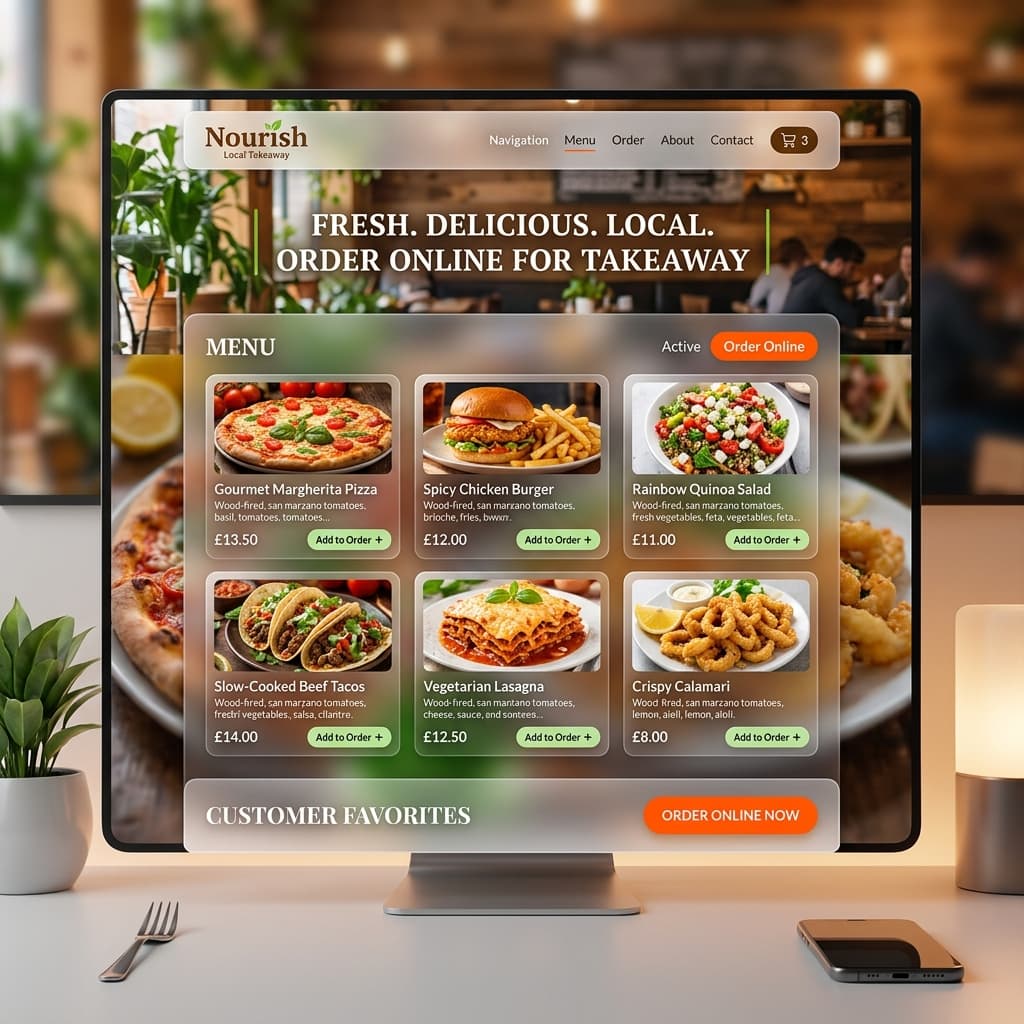
The Old Way vs. The AI Way
Historically, setting up a restaurant or takeaway website was painful. You had two options:
- Hire an agency: Pay $2,000+ and wait a month.
- Use a complex builder: Spend a weekend fighting with WordPress templates or Wix drag-and-drop editors.
Today, if you know what you want on your menu, you can have a live website before your lunch break is over. By combining AI tools like ChatGPT or Claude with a platform like SiteDrop, anyone can launch a takeaway site.
Step 1: Ask AI to Build Your Menu Site
Go to ChatGPT (or Claude) and give it a prompt describing your takeaway business. The more details you provide, the better the result. Try copying and pasting this prompt:
"Create a single-page HTML/CSS website for my local takeaway called 'Joe's Pizza & Grill'. It needs to be modern, mobile-friendly, and mouth-watering. Include a hero section with our name, a 'Menu' section (with 3 pizzas and 3 sides), an 'About Us' section, and an 'Order Now' button that links to our WhatsApp number. Put all the HTML and CSS in one index.html file."
The AI will generate the code for a complete, responsive website.
Step 2: Save Your Website
Once the AI finishes:
- Open a text editor on your computer (like Notepad on Windows or TextEdit on Mac).
- Copy the code the AI generated.
- Paste it into the editor.
- Save the file as
index.html.
Optional: If you have images of your food, put them in a folder alongside your index.html file, and zip the whole folder. If not, just zip the index.html file by itself.
Step 3: Drop It and Make It Live
This is where most people get stuck. You have the file, but how do you get it on the internet? You don't want to deal with servers, FTP clients, or complex hosting control panels.
Here is the easiest way:
- Go to sitedrop.live.
- Drag and drop your ZIP file into the upload box.
- Sign in (it takes 2 seconds with a Google account).
That's it. SiteDrop instantly deploys your takeaway website to a global network. You get a live link instantly to share on your Google Business profile, Facebook page, or Instagram bio immediately. Customers can start viewing your menu right away.
Step 4: Connect a Custom Domain (Optional but Recommended)
While SiteDrop gives you a free .sitedrop.live link, having your own domain (like joespizza.com) builds trust.
In your SiteDrop dashboard, just click Add Domain. You can buy a domain directly through SiteDrop, and it will be configured automatically. No DNS records, no nameservers, no headaches.
Why This Is Perfect for Local Takeaways
- No technical maintenance: You never have to update plugins or worry about the site going down.
- Easy menu updates: Need to change a price? Just ask ChatGPT to update the code, zip it, and drop it into SiteDrop again. The update is instant.
- Fast load times: Because these are simple, lightweight websites, they load incredibly fast on mobile phones — crucial for hungry customers on the go.
Ready to take orders online?
Generate your menu with AI, zip it up, and get it live on SiteDrop today.
Launch Your Takeaway Site →Comments
No comments yet. Be the first to share your thoughts!